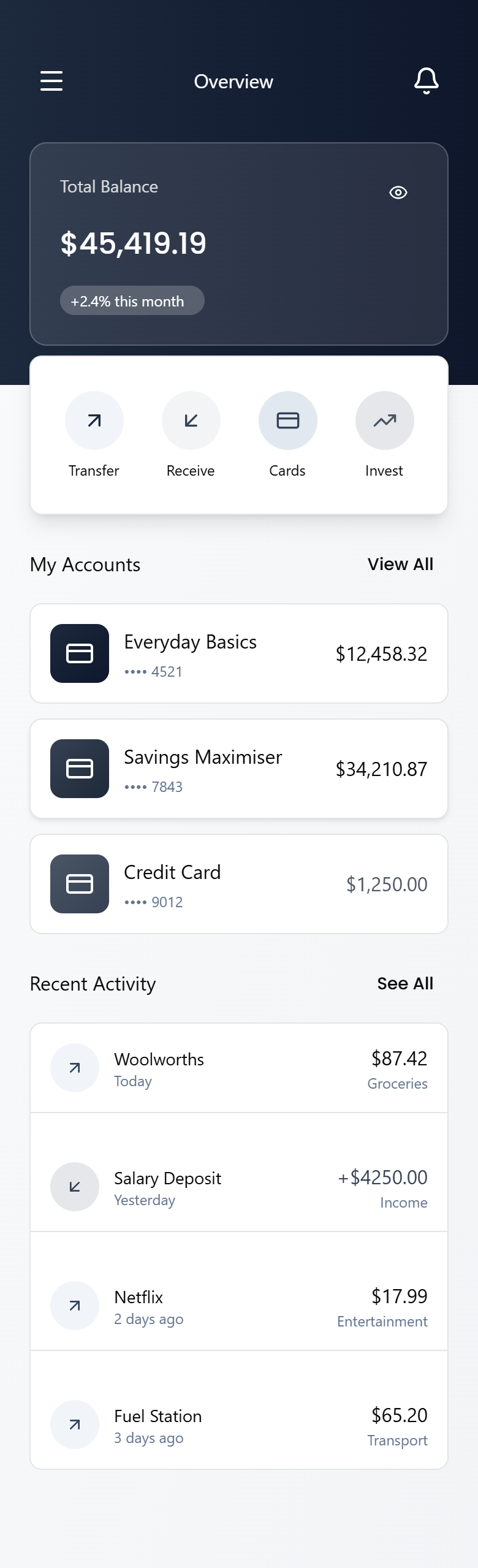
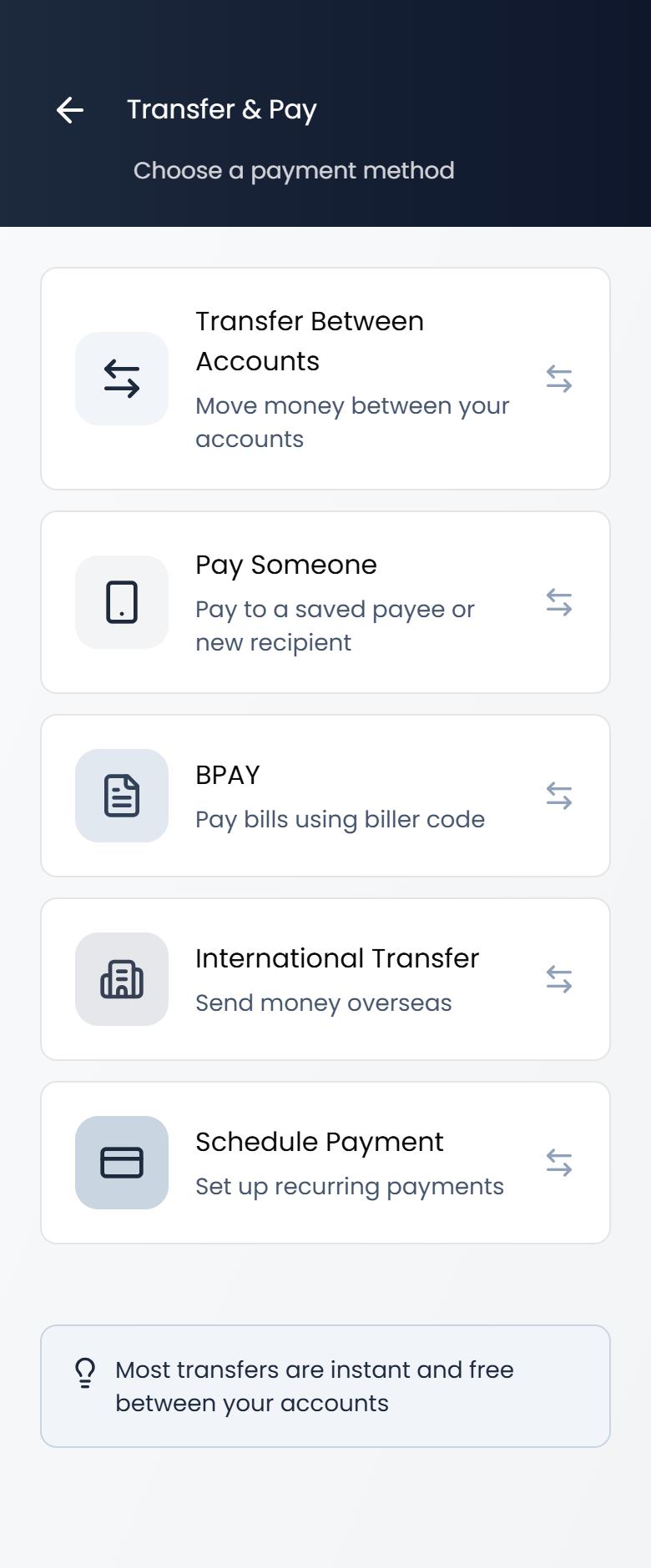
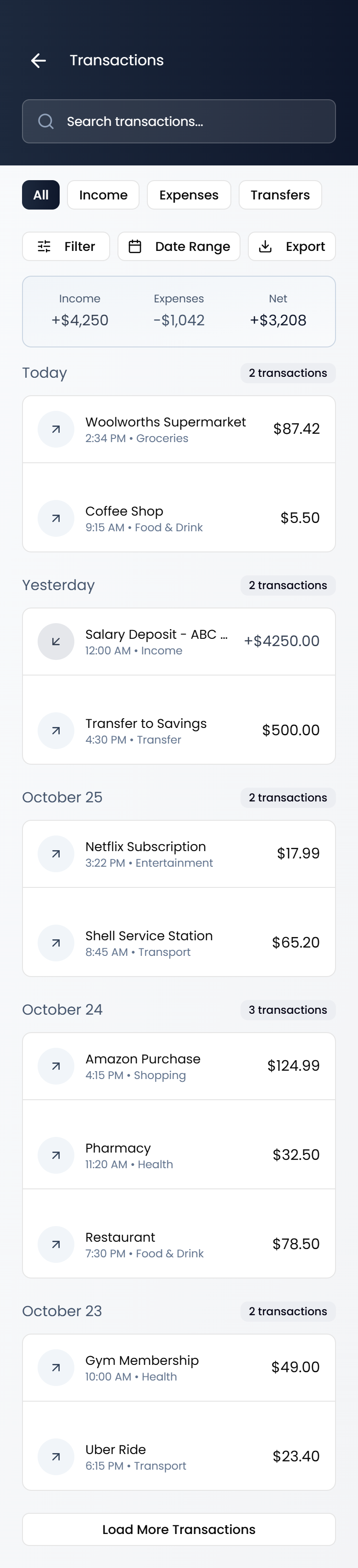
Tailoring designs to help set the foundation for successful digital products, to help users achieve their goals and align with business objectives.
We begin with a clear understanding of the product's purpose, target audience, and goals. We're guided by user research (when available) and translate insights into actionable ideas, which evolve into wireframes, prototypes, and design systems.
From briefs or basic concepts, outlining the basic structures, layouts, and functionality of user interfaces.
Helping your team and stakeholders to understand the UX concept before proceeding with detailed visual design, prototyping, and development stages.
Create interactive UX prototypes from wireframes or basic concepts, allowing users to provide feedback on specific interactions or workflows.
Also provide updates & refine existing prototypes (primarily Figma based).
Define how users interact with the interface with interactive elements like buttons, dropdowns, sliders, custom components and other input fields, as well as the transitions and animations that guide users through the interface.
Creating visually appealing and user-friendly interfaces that enhance the overall user experience and achieve the desired goals of the digital product or application.
Incorporating the identified improvements into the design. This may involve modifying visual elements, layout, navigation, interaction patterns, or any other UI component that contributes to the user experience.
We create core HTML, CSS and Javascript components from design.
We focus on components that can be delivered as small to medium task sizes, not medium to large pieces of work.
Medium to large that we don't focus on "may" include complete page and template builds or site builds or restructures.
We deliver the foundational aspects of frontend development without relying on external frameworks or libraries (other than JQuery that may be suitable for base functionality).
You can then modify the code to suit your particular structure and technology stack.
Avoid unpredictable project costs and hourly rates.
Our subscription model offers affordable monthly rates, allowing you to plan your budget effectively and eliminate unexpected expenses or the need for hourly rates or project-specific quotes.
Our subscription-based model offers flexibility to scale your UX needs as your business needs.
Upgrade for overflow work, or downgrade your subscription tier to match the demands of your projects.
As a subscriber, you have access to our dedicated UX team to ensure your design projects run smoothly.
Choose from predefined subscription tiers, ensuring quicker turnaround times and freeing up your time for design work.
Monthly subscriptions can also be paused if needed, and the remaining allowance can be started use when you need it next.
(Remaining allowance starts from the date you pause your subscription within the monthly Cycle).
Select the subscription that aligns with your requirements and budget.
All of our subscriptions offer the same services but the longer you subscribe the more you save.
Monthly (Pause or cancel anytime.)
Quarterly (Save 10% per month)
Yearly (Save 20% per month).
Once you've subscribed, we’ll set you up with a Notion board.
As soon as you have access you can start adding tasks straight away.
Upload a text, audio, or screen recording of what you want, or whatever works best for you.
Attach any assets, images, and copy needed.
Simply add your tasks and any supporting information to the “To Do” column in the task board that we'll set you up with.
You can upload a text description, audio, or screen recording of what you want.
Attach any assets, images, and copy needed.
Each task then moves into the “Doing” column one at a time.
Feedback is requested to refine your tasks or projects as needed.
When completed and approved, it moves to the “Done” column.
Know exactly what you're spending each month and save on employment costs with the ability to scale up or down as you need.
Perfect for short-term projects & Design Sprints.
Pause or cancel at any time.
Best value – discounted rates for committing to 3 months of UX support.
Not sure what you need? Try our Free UX Audit First
We can arrange personalised billing options to meet your accounting team's specific needs, even if credit card payment isn't an option.
Contact us for other payment optionsYour subscription starts as soon as you've paid for an active subscription and you have been granted access to your task board.
If you have a project that you need UX support with, but you don't need an employee, you can simply sign up for a 1 month rolling subscription.
You can pause or cancel your subscription when you've completed your task and save the remaining subscription for another task.
Yes, the "One month" subscriptions can be paused at any time.
Any current task, and any tasks in the "To do" column will also be paused.
One month subscriptions can only be paused for a maximum of six months, the number of remaining working days available for that month can only be resumed, but it must be within six months of pausing the task/s.
No, you can only pause one month Subscriptions.
You can cancel Quarterly Subscriptions any time, you will continue to have access during the remainder of that period.
Yes. We understand that every business has unique accounting needs. We can arrange recurring Direct Debit transfers, or other payment methods that work for your team.
Yes, for tasks that need guidance for the best outcome you can arrange a Google Meet, Zoom or Teams meeting online.
We generally recommend you add tasks that take from a day, up to a week, while the task is being worked on it will remain in the "Doing" column in your task board.
If you add a large task towards the end of a cycle you may need to subscribe for additional time.
Alternatively you can request a smaller task that can be completed with-in your remaining subscription period.
You can have as many tasks as you like in the "To do" column, but you can only have one task in the "Doing" column at a time, per subscription.
Just make sure you prioritise the order in which you want the tasks completed.
If your subscription ends, any tasks in the "To do" column will remain there in a "Paused" state until a subscription is renewed.
Only tasks with an active subscription can be worked on.
You will need an active subscription for each active task, ie. If you'd like us to work on 3 tasks at a time you will need 3 active subscriptions.